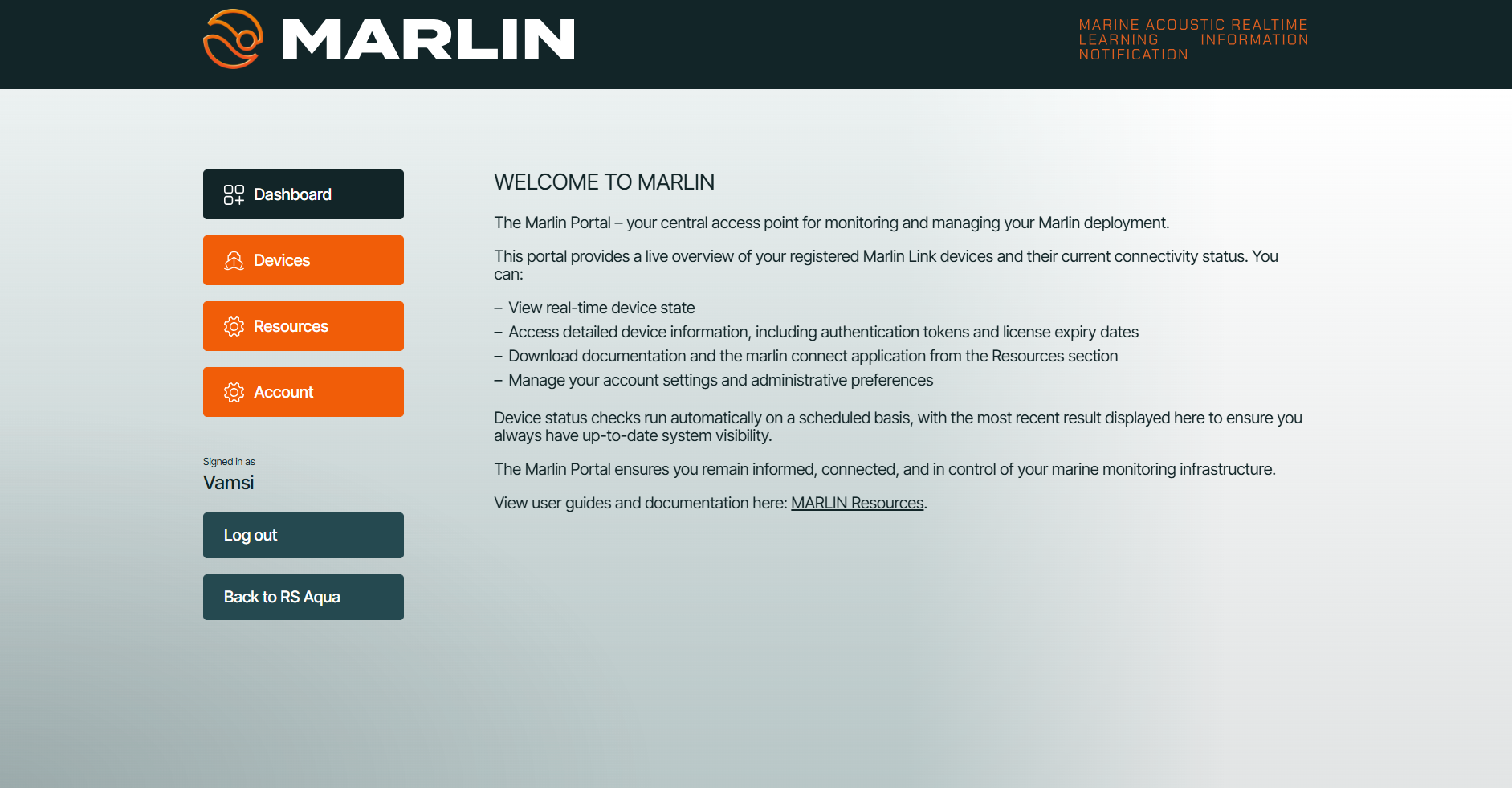
Access the Marlin Portal
Step 3 — Activate Marlin Portal
- Check your registered email.
- Open the login link.
- Complete account setup and 2FA if prompted.
Portal functions include:
- User management
- License management
- Device auth token / SAS access
- Device status LED (Green -> 4G comms active)
- User resources and Software downloads
Step 4 — Retrieve your device auth token / SAS URL
- Go to Devices.
- Select your device.
- Copy the device Azure auth token (also known as the SAS URL).
Example format:
https://<account>.blob.core.windows.net/<container>?<sas_token>
This grants secure scoped access to your real-time Marlin Link data.